Skip to content

Blog

Infographic summarizing the ideas in the blog.
The Latest NotebookLM Updates for Teachers
If you haven’t explored Google’s NotebookLM yet, you’re missing out on one of the most powerful lesson-planning assistants available. Unlike generic AI chatbots that pull from the entire internet, NotebookLM
Continue Reading
Canva Features for the Classroom
Canva is a free-to-use online visual communications platform that empowers anyoneto create professional-quality designs, presentations, videos, and collaborative whiteboards using simple drag-and-drop tools and thousands of customizable templates. Canva gives
Continue Reading
Decorative title graphic
Four Reasons to Use Edtech (still)
In her article, “Four reasons I am excited about tech in learning,” author Jenny Anderson explores the complex intersection of educational technology and its proper role in the classroom. While
Continue Reading
An interface titled Results for a user named Ben Anderson, showing a quiz score of 75%. The page is divided into two main sections: Summary Stats: A circular progress bar indicates the 75% score. Next to it, a black circle with the number 2 points to the score 0.75 Out of 1 point. The time for the attempt is listed as 00:45. Your Answers: This section shows a categorization task where the user had to sort elements into "Formal Writing Assignment" or "Informal Message." A black circle with the number 1 and a red arrow points to the specific score for this question: 0.75 / 1 point. Formal Writing Assignment column: Contains four items. Three are marked correct with green checkmarks (Academic tone, Proper grammar and punctuation, Clear thesis statement, Organized paragraph structure). One is marked incorrect with a red "X" (Slang), noting the correct answer was "Informal Message." Informal Message column: Contains three items. Two are marked correct with green checkmarks (Emojis, Text abbreviations). One is marked incorrect with a red "X" (Complete sentences), noting the correct answer was "Formal Writing Assignment."
Introducing Feature Updates: Canvas New Quizzes
New Partial Credit for Categorization Questions How do I create a Categorization question in New Quizzes? – Instructure Community Categorization questions require students to place answers in the correct categories
Continue Reading
Student using SchoolAI in Canvas
School AI Updates: Navigation, Power-Ups, and Canvas Integration
If you haven’t logged into SchoolAI lately, you’ll notice several updates. The navigation has moved to the left side. They also have a few different options for creating your own,
Continue Reading
Secure Tech stuff
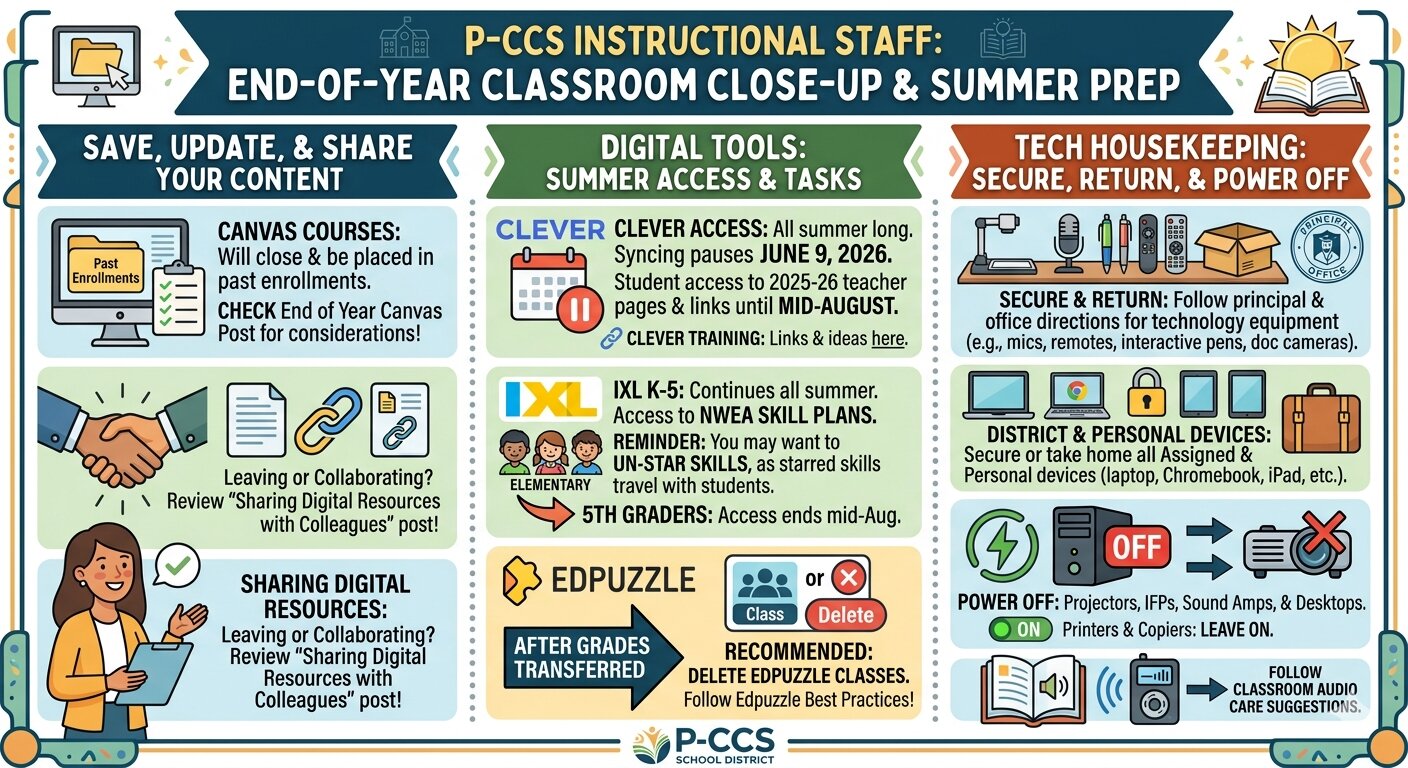
Secure and Close Down Technology Before Break
On FRIDAY before you leave for a well-deserved break… PLEASE SECURE ALL VALUABLES in the classrooms and office spaces you inhabit. This includes laptops, document cameras, Apple TVs, remotes, and interactive
Continue Reading